
Android Auto™
If you connect an Android™ phone to the system via USB charging/connector port, and the Android Auto icon is selected, you can operate Android Auto on the audio/information screen.
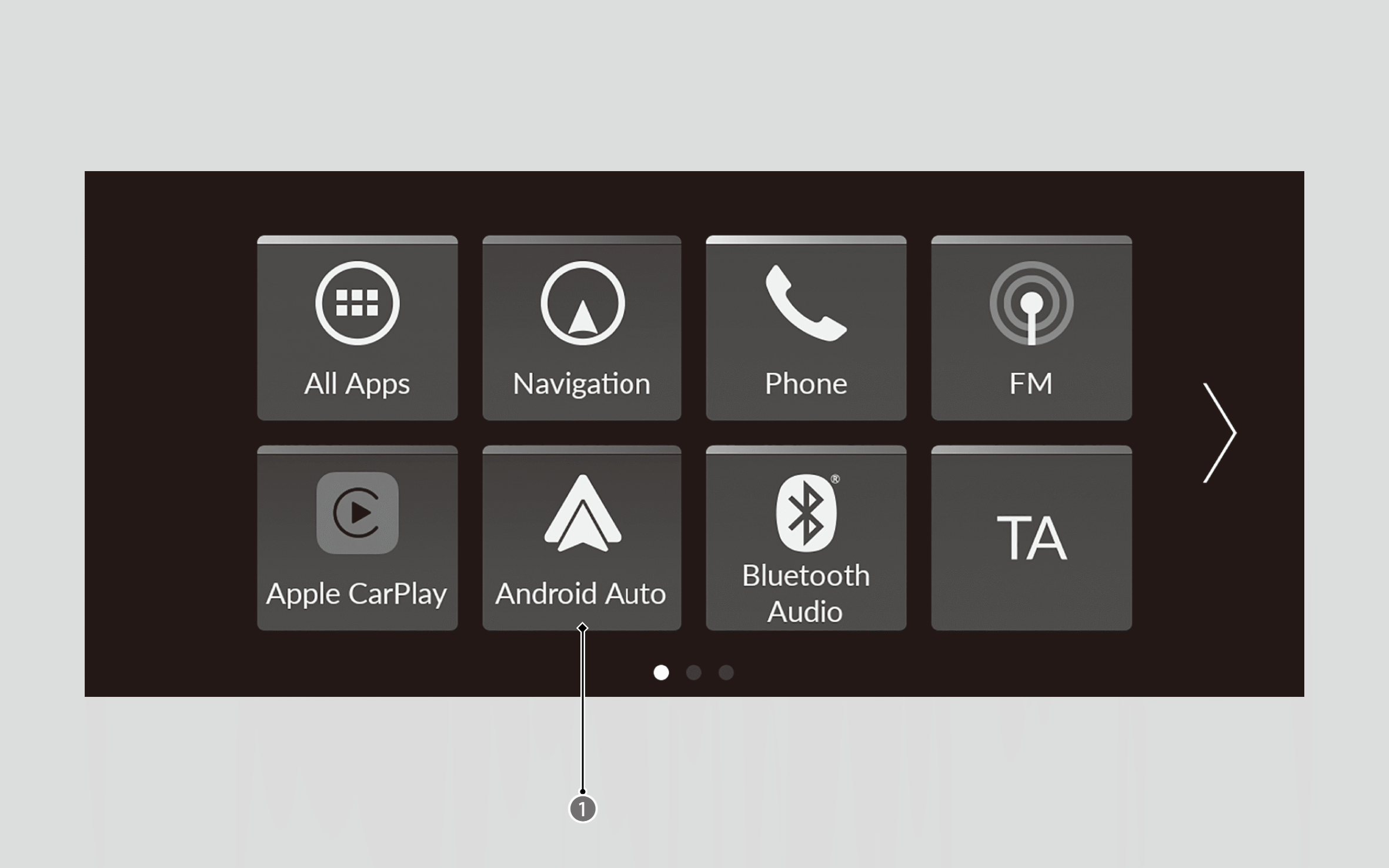

Android Auto Icon
- We recommend that you update Android OS to the latest version when using Android Auto.
Bluetooth ® A2DP cannot be used while your phone is connected to Android Auto. - To use Android Auto on a smartphone with Android 9.0 or earlier, you need to download the Android Auto app from Google Play to your smartphone.
- Android and Android Auto are trademarks of Google LLC.
- Park in a safe place before connecting your Android phone to Android Auto and when launching any compatible apps.
- You can use the method below to change Android Auto settings after you have completed the initial setup:
Press the (Home) button ➔ Select General Settings ➔ Smartphone Connection ➔ Android Auto ➔ Select device.
 - When your Android phone is connected to Android Auto, it is not possible to use the
Bluetooth ® Audio. However, other previously paired phones can stream audio viaBluetooth ® while Android Auto is connected. - Apple CarPlay and Android Auto cannot run at the same time.
- To use each of Android Auto’s features: say a wakeup word while the Android Auto screen is displayed, or press and hold the
 (Talk) button to activate Google Assistant.
- For details on countries and regions where Android Auto is available, as well as information pertaining to function, refer to the Android Auto website.
- Android Auto Operating Requirements & Limitations
Android Auto requires a compatible Android phone with an active mobile connection and data plan. Your carrier’s rate plans will apply.
Changes in operating systems, hardware, software, and other technology integral to providing Android Auto functionality, as well as new or revised governmental regulations, may result in a decrease or cessation of Android Auto functionality and services. Honda cannot and does not provide any warranty or guarantee of future Android Auto performance or functionality. - It is possible to use third-party apps if they are compatible with Android Auto. Refer to the Android Auto website for information on compatible apps.
- Use of user and vehicle information
The use and handling of user and vehicle information transmitted to/from your phone by Android Auto is governed by Google’s Privacy Policy.
Android Auto Menu
For details on available applications, please refer to the Android Auto website.
Apps displayed on your screen can be changed with your smartphone.
Select the Honda icon on the Android Auto menu screen to go back to the home screen.
Enabling Android Auto
- Connect the Android phone to the USB charging/connector port using the USB cable.
- The confirmation screen will be displayed.
- Select Yes.
Operating Android Auto with Voice Control
Press and hold the(Talk) button to operate Android Auto with your voice.
Press and release to activate the standard voice recognition system.
Below are examples of commands you can give with voice control:
- Reply to text.
- Call my wife.
- Navigate to Honda.
- Play my music.
- Send a text message to my wife.
- Call flower shop.
For more information, please refer to the Android Auto website.