
About Service Reminder System
Provides information of which service items are to be performed. Service items are represented by a code and icon. The system tells you when to take your vehicle to a dealer by days remaining.
When the next maintenance service timing is near, coming or passed, a warning icon will also appear on the driver information interface every time you set the power mode to ON.
You can choose to have a corresponding warning message displayed with the warning icon on the driver information interface.
Displaying the Service Reminder Information
- Set the power mode to ON.
- Roll the right selector wheel until the service reminder information screen is displayed. The maintenance item(s) appears on the driver information interface along with maintenance items due soon.
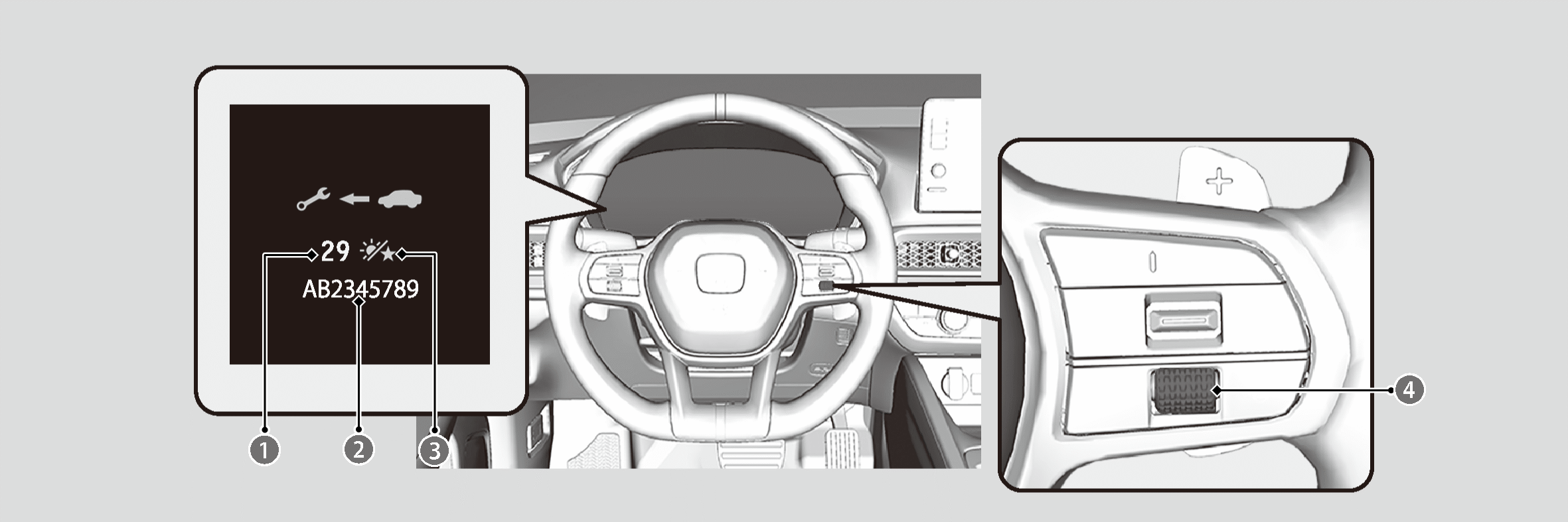

Remaining Days

Maintenance Item Code(s)

Day Icon

Right Selector Wheel
The system message indicator ( ) comes on along with the service reminder Information.
Based on engine operating conditions and engine oil conditions, the system calculates the remaining days before the next service is to be performed.
Warning Icons and Service Reminder Information on the Driver Information Interface
|
Warning Icon |
Service Reminder Information |
Explanation |
Information |
|
Service Due Soon 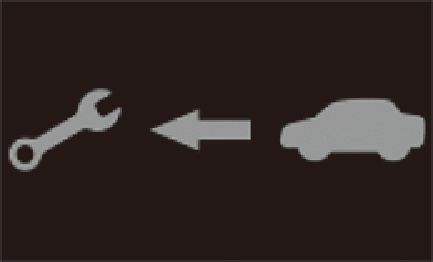 |
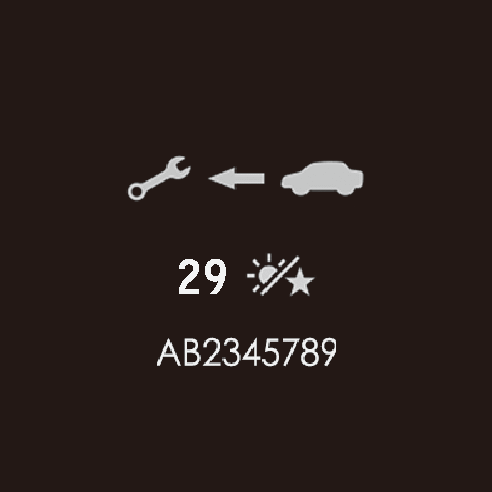 |
One or more of the service items are required in less than 30 days. The remaining days are estimated based on your driving conditions. |
The remaining days will be counted down per day. |
|
Service Due Now  |
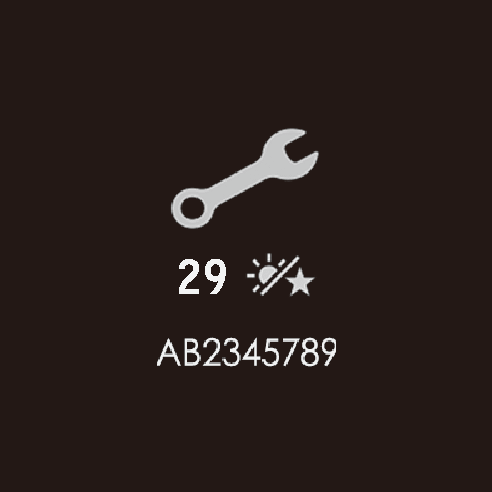 |
One or more of the service items are required in less than 10 days. The remaining days are estimated based on your driving conditions. |
Have the indicated service performed as soon as possible. |
|
Service Over Due 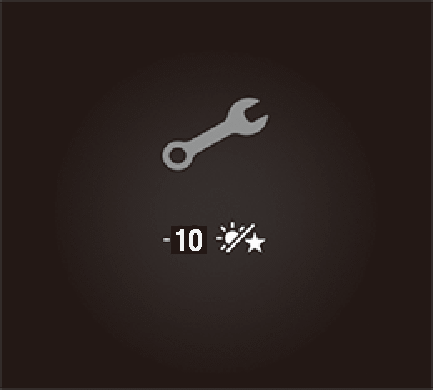 |
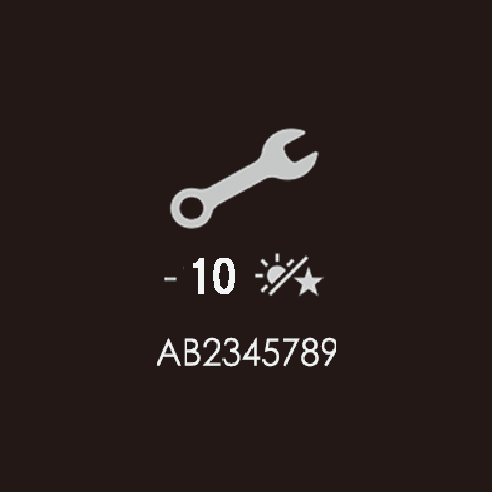 |
The indicated maintenance service is still not done after the remaining time reaches 0. |
Your vehicle has passed the service required point. Immediately have the service performed and make sure to reset the service reminder system. |
Service Reminder Items
Service items displayed on the driver information interface are in code and icon. For an explanation of the service reminder codes and icons, refer to the service information available for your vehicle.
Availability of the Service Reminder System
Even if the service reminder information appears on the driver information interface while pressing the (home) button, this system is not available in some countries. Refer to the information available for your vehicle, or ask a dealer if you can use the service reminder system.
If you are planning to take your vehicle outside the service reminder system applied countries, consult a dealer on how to record your service reminder information and schedule your maintenance service under the conditions of that country.
Resetting the Display
Reset the service reminder information display if you have performed the maintenance service.
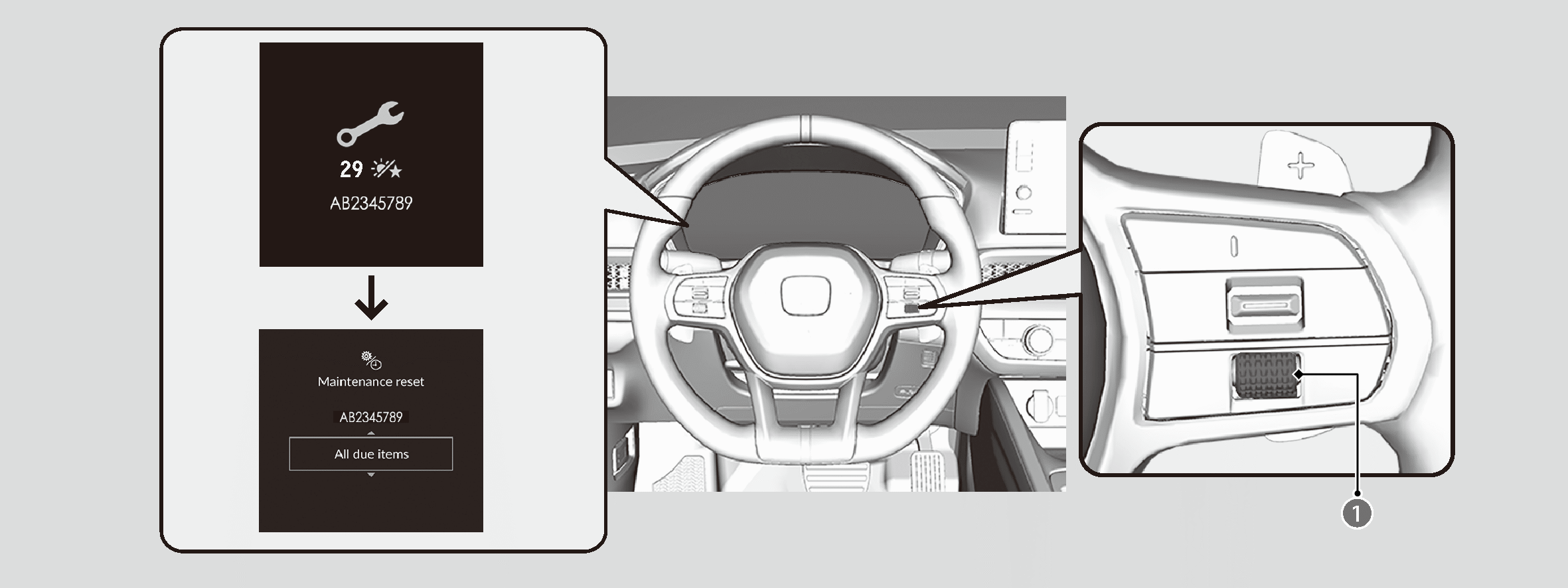
Right Selector Wheel
- Set the power mode to ON.
- Roll the right selector wheel until the service reminder information screen is displayed.
- Press and hold the right selector wheel for about 10 seconds to enter the reset mode.
- Roll the right selector wheel to select a maintenance item to reset, or to select All due items (you can also select Cancel to end the process).
- Press the right selector wheel to reset the selected item.
- Repeat from step 3 for other items you wish to reset.

The dealer will reset the service reminder information display after completing the required maintenance service. If someone other than a dealer performs maintenance service, reset the service reminder information display yourself.
*: Not available on all models