
Vehicle Stability Assist (VSA) System
VSA helps to stabilise the vehicle during cornering if the vehicle turns more or less than what was intended. It also assists in maintaining traction on slippery surfaces.
It does so by regulating engine and motor output and selectively applying the brakes.
- The main function of the VSA system is generally known as Electronic Stability Control (ESC). The system also includes a traction control function.

VSA cannot enhance stability in all driving situations and does not control the entire braking system. You still need to drive and corner at speeds appropriate for the conditions and always leave a sufficient margin of safety.
The VSA may not function properly if tyre type and size are mixed. Make sure to use the same size and type of tyre, and the air pressures as specified.
VSA Operation
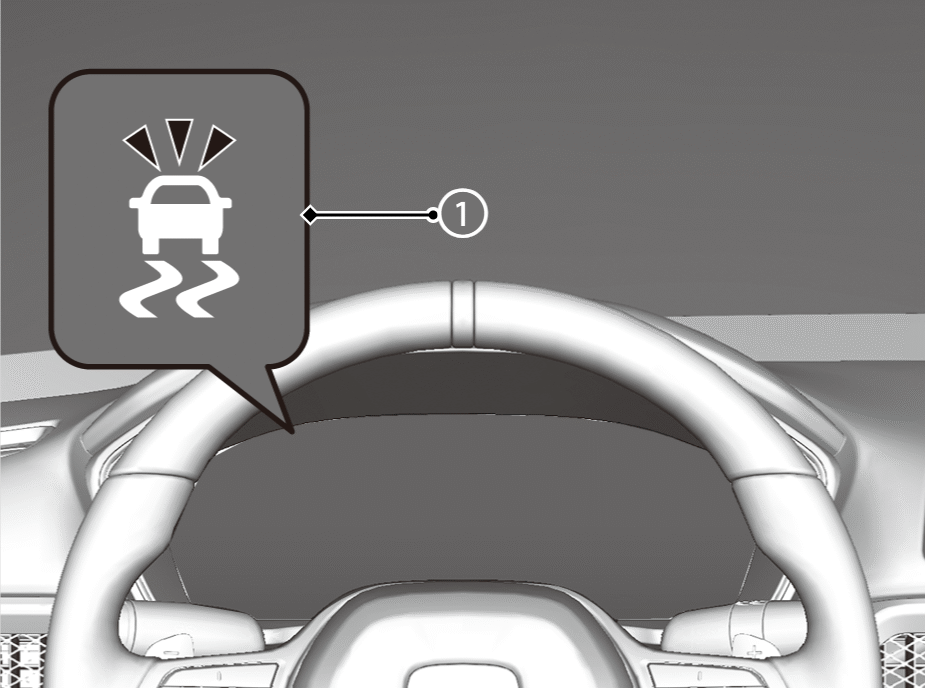
When VSA activates, the VSA system indicator ( ) will also blink.
- The engine and motor do not respond to the accelerator.
- You may also notice some noise from the hydraulic brake system.
When the VSA system indicator comes on and stays on while driving, there may be a problem with the system.
While this may not interfere with normal driving, have your vehicle checked by a dealer immediately.
VSA On and Off
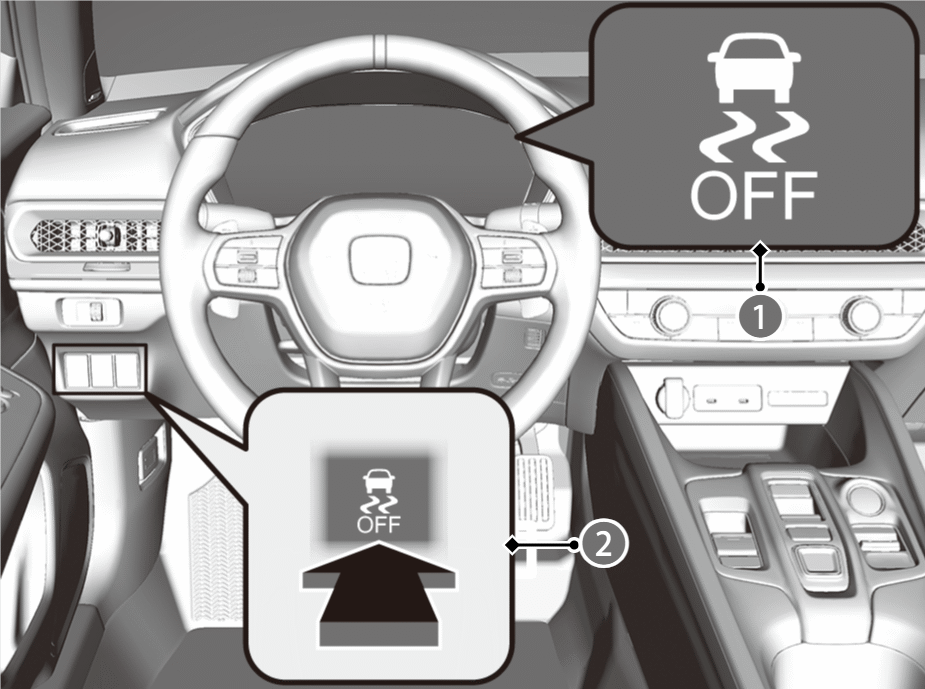
VSA OFF Indicator
To partially disable VSA functionality/features, press and hold the (VSA OFF) button (
 ) until you hear a beep.
The traction control function becomes less effective. This allows for the wheels to spin more freely at low speed.
Even if the system is turned off, it will automatically turn on every time the power mode is turned on.
In certain unusual conditions when your vehicle gets stuck in shallow mud or fresh snow, it may be easier to free it with the VSA temporarily switched off. Immediately after freeing your vehicle, be sure to switch VSA on again.